Survey and study software for research
Surveys, tests and check-ins in one study
Build it from questionnaires, cognitive tests, images and video, with face and gaze from the webcam. Run it in the lab, by link, on tablets or on people's phones, and download one export.
Sign in with your ConductScience account: Google, Microsoft, ORCID or email.
Design
Design the study once
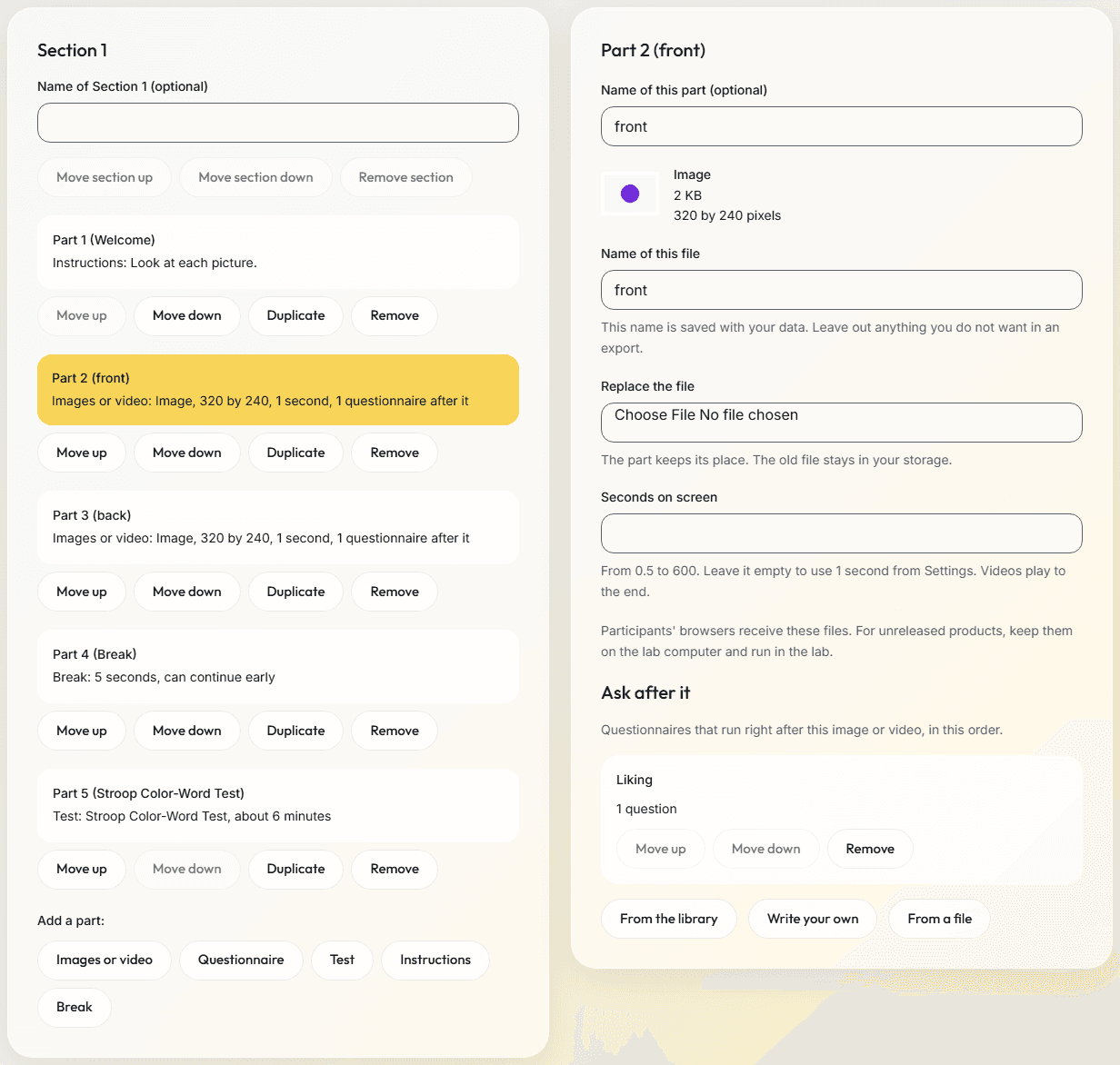
The builder has a tab for each part of the design. Check it, preview it as a participant, then publish a numbered version that never changes.
Parts
Questionnaires, cognitive tests, images and video, instructions and breaks, in sections you order.
Groups and order
Balanced, random or weighted assignment to groups, with limits. Sections and parts in a fixed or counterbalanced order, and parts shuffled for each person.
Samples
Foods or drinks under three-digit codes, with a balanced serving order for each person.
Visits
Later sessions inside windows you set. Each person gets a private return link.
Daily life
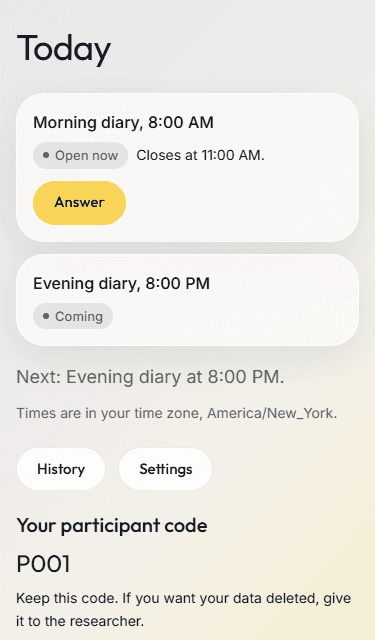
Check-ins on the person's own phone, at fixed or random times or when something happens, with reminders.
Check and Publish
A plain sentence for each problem. Then a numbered version that people run until you choose another.
Bring the questionnaires you already have
98%
of the questions came over
1,599 of 1,628 questions in 26 public Qualtrics survey files
96%
of the fields came over
19,224 of 20,055 fields in 39 public REDCap data dictionaries
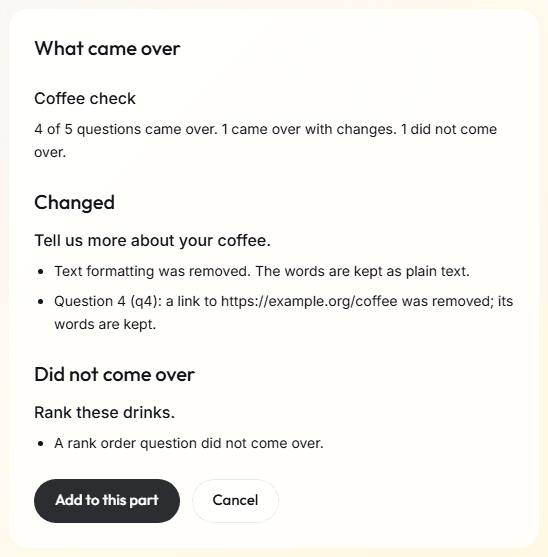
A report shows what came over, what changed and what did not, before anything is added.
Run
Run it where your participants are
In the lab
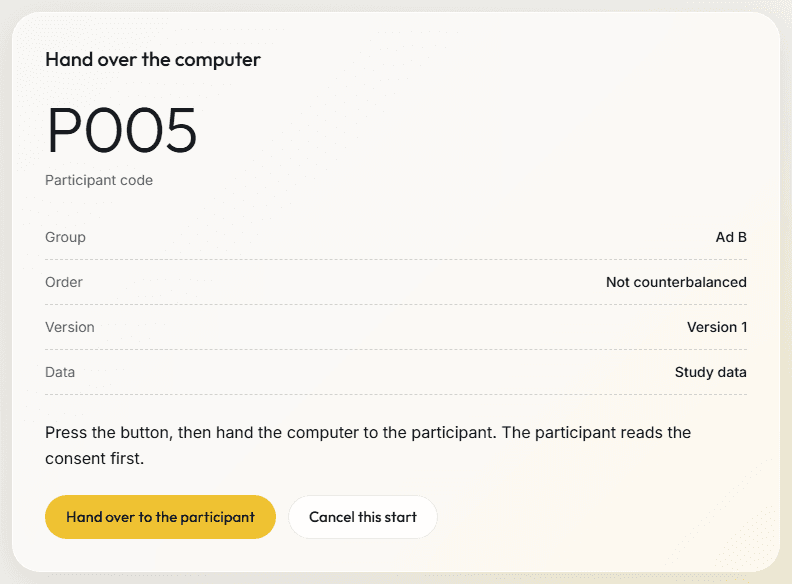
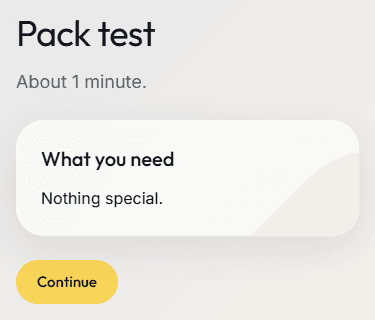
One computer, one participant after another. Start each person and hand the computer over.
By link
People open a link on their own computer or phone. Prolific, Sona Systems and CloudResearch Connect get a completion code after a finished study.
On a tablet in a booth
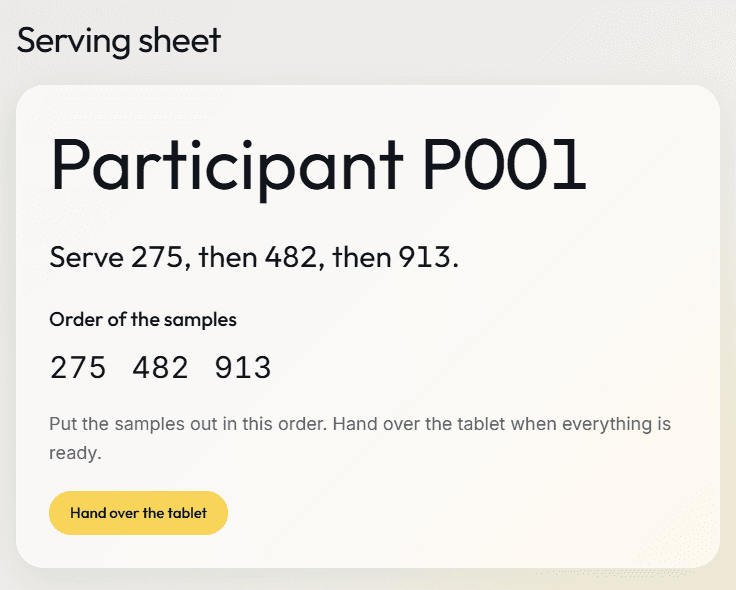
Staff sign in with a PIN, set out the coded samples and hand over the tablet.
On the person's phone
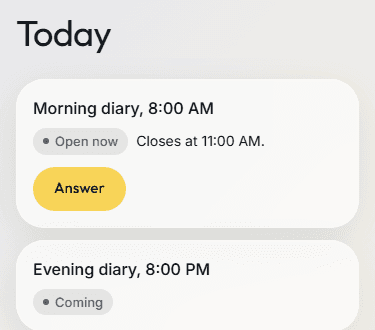
Check-ins with a reminder, in their own time zone. An answer given with no network is kept and sent later.
Screens from the app, with example data.
Follow
See who did what
- Participants
- Each person's status, group, visits and data quality. The study's page shows the balance of the groups.
- Daily life
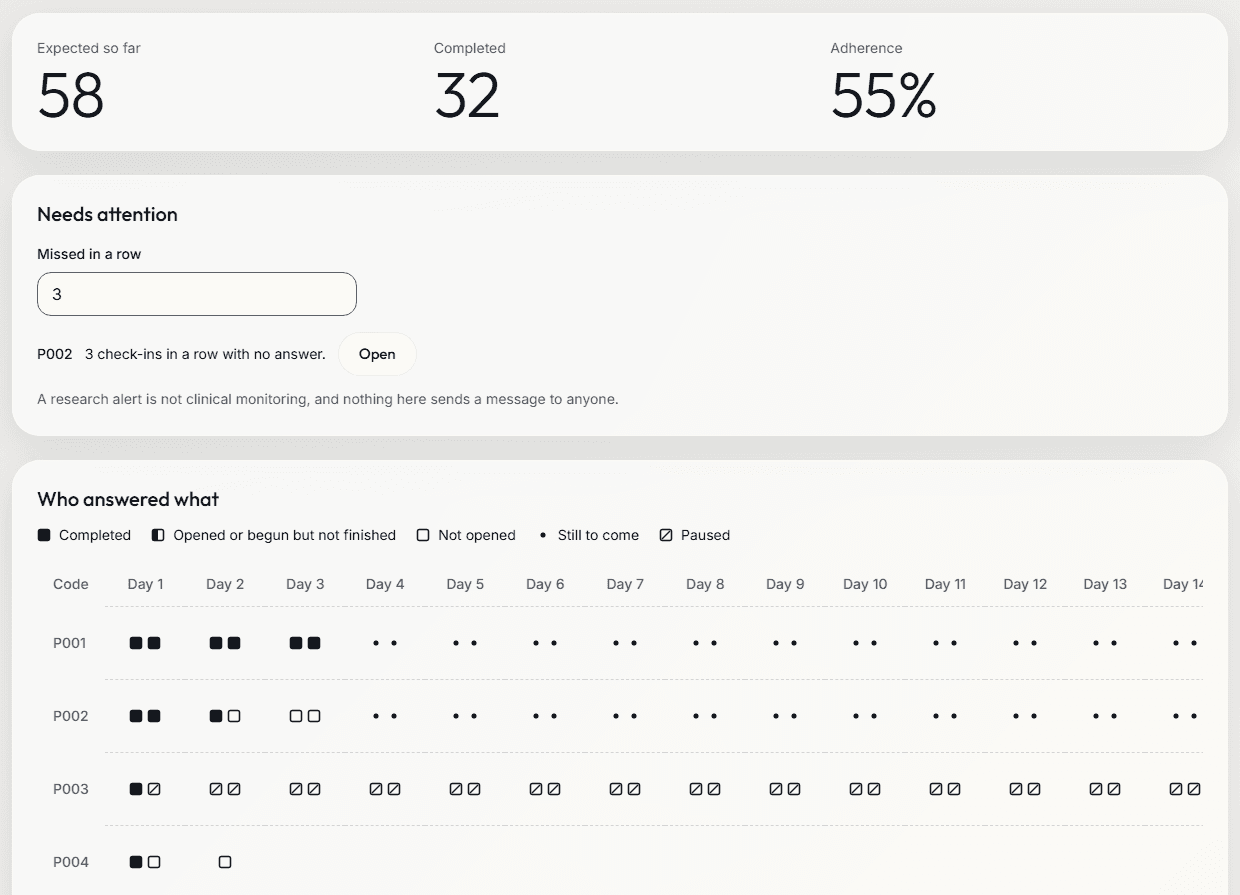
- Expected, completed and adherence, and a mark for every check-in of every person.
- Activity
- Who on the team changed what, and in which version.
Export
Take the data with you
What the export holds
- participants.csvone row for each person
- parts.csvthe parts of each version
- stimuli.csveach image and video
- events.csvevery event on the session clock
- part_windows.csvwhen each part began and ended
- scores.csvquestionnaire and test scores
- questionnaires/an answers table for each questionnaire
- tests/a table for each test
- face/face and gaze samples, unless you leave them out
- visits.csv, sessions.csveach visit and its session, in a study with visits
- checkins.csva row for every check-in, planned or started, in a study with check-ins
- data_dictionary.csva row for every column
- analysis/SPSS syntax, and readers for R and Python
- export.jsona checksum for every file
A dictionary entry for every column
Each column's type, unit, allowed values and meaning, and what a blank cell means.
Files for REDCap
A data dictionary and records for your own REDCap project. Nothing is sent to REDCap.
A read-only API
A key lets a script read your studies, participants, sessions and the export's tables.
What the record keeps
One clock
Every answer, trial and video frame in a session is stamped in milliseconds from its start.
Versions that never change
Publishing writes a numbered version once. The data names the version each person ran.
Codes, not names
A person is a study code such as P001. A panel's ID is kept apart from the study data.
Video stays on the computer
Face and gaze are measured in the browser, on the computer that runs the session. Video never leaves it.
Measures
Measure more than answers
Tests, face and gaze run in the same session as the questionnaires, on the same clock.
Cognitive tests
The Implicit Association Test, Stroop, go/no-go and decoy choice tasks, scored with ConductCognition's code.
Face and gaze
Facial expression, blinks, head movement, and where on the screen people look, from a standard webcam.
Stimuli and events
Show images and videos, or mark events such as a sample served, with each onset on the clock.
Templates
Start from a study like yours
Pick a template when you start a new study.
Survey
Ask people a few questions, with a rule that shows a question only when it applies.
A published scale
Ask a published scale in its holder's wording, scored the way they published it.
Morning and evening diary
A diary on the person's own phone: how they slept each morning, and their day each evening.
Five check-ins a day
Short check-ins on the person's own phone at times they cannot predict: mood, stress, place and company.
Symptom log
People log a symptom on their own phone when it starts, with an evening check for anything missed.
Classic test with face
Run a classic test and record the face while people do it.
Association test with ratings
Measure an association with a timed sorting test, and ask for the same attitude in words.
Pack or shelf test
See how people look at product packs, and how much they like each one.
Ad or concept test
Compare two ads or concepts. Each person sees one of them.
Tasting
Compare samples that people taste, such as foods or drinks, on a tablet in a booth.
Prices on the page
Building and piloting are free, and one price list covers every kind of study. Researcher is $199 a year and Lab is $799 a year, with no charge for each question or answer.
Planning a study?
Start one now, or tell us what you want to measure.